Whiteboards and spreadsheets go stale because progress on them is reported by people, not measured. Before moving to a live dispatch board, agree on the order fields, which machines carry orders, the shift calendar and six status words, and name one owner per shift. Take progress from the machine's electrical signals through a small IoT device an electrician installs in under an hour, with no PLC connection. Start with a csv/xls upload of this week's orders and one connected cell; add the ERP gateway and more machines once the first cell has earned the floor's trust. The morning report then answers planned vs made, quantity vs target per hour, cycle-time Pareto and where the stopped hours went.
Why the board is right at 7 a.m. and wrong by 9
Most of the component plants we connect still dispatch from a whiteboard, a spreadsheet or a printout pinned next to the supervisor’s desk. The plan on it is usually correct at the start of the shift. Then a tool breaks, a rush order arrives from the customer, a pallet of raw material is late, and the board stops describing the floor. Rewriting it means walking to every machine and asking, so nobody does. By the morning meeting the planner has one version of the shift, the supervisor has another, and the numbers are explained from memory.
The problem is not the whiteboard. It is that progress on the whiteboard is reported, not measured. Someone estimates how far an order is and writes it down. A board fed by estimates will always drift away from reality. This checklist is for plants that want a live board where the machines report their own progress, without a six-month IT project.
Before you touch any software: what to have ready
In our experience the plants that struggle with a digital board are not the ones with old machines. They are the ones that start the software before they have agreed on a few basics. Have these ready first; most of them already exist somewhere in the plant.
- The order list, with the fields the board needs. Order number, part number, quantity, due date, and the machine or machine group it can run on. If you have a standard cycle time per part, add it; if you do not, the machine will give you the real one within a few days.
- The list of machines that actually carry orders. A press, a lathe or a machining centre carries an order. A washing station or a hand-deburring bench usually does not. Decide which machines are on the board and which are not.
- A shift calendar and planned downtime. Breaks, maintenance windows, tool changes you already know about. A board that does not know the shift pattern will flag a delay every time people go to lunch.
- A shared status vocabulary. Assigned, in production, partly done, completed, delayed, overlapping. Six words, written once, used by planning and operations alike.
- One owner of the board per shift. Usually the planner for the sequence and the supervisor for the exceptions. If everyone can move orders, nobody is responsible.
None of this requires a system. It requires a two-hour meeting between planning, production and maintenance, and most plants have never had it.
Measure progress, do not report it
What makes the board live is taking progress from the machine instead of from a person. On every machine the electrical signals are the same: running, stopped, cycle, count. A small IoT device on those signals, installed by the plant’s own electrician in under an hour, with no PLC connection and no change to any program, is enough. What differs is the machine, the process, the product and the operating environment, even between two presses standing side by side, and that is the part the Universal Adapter in the cloud takes care of: it interprets the same signals with the context of that specific machine.
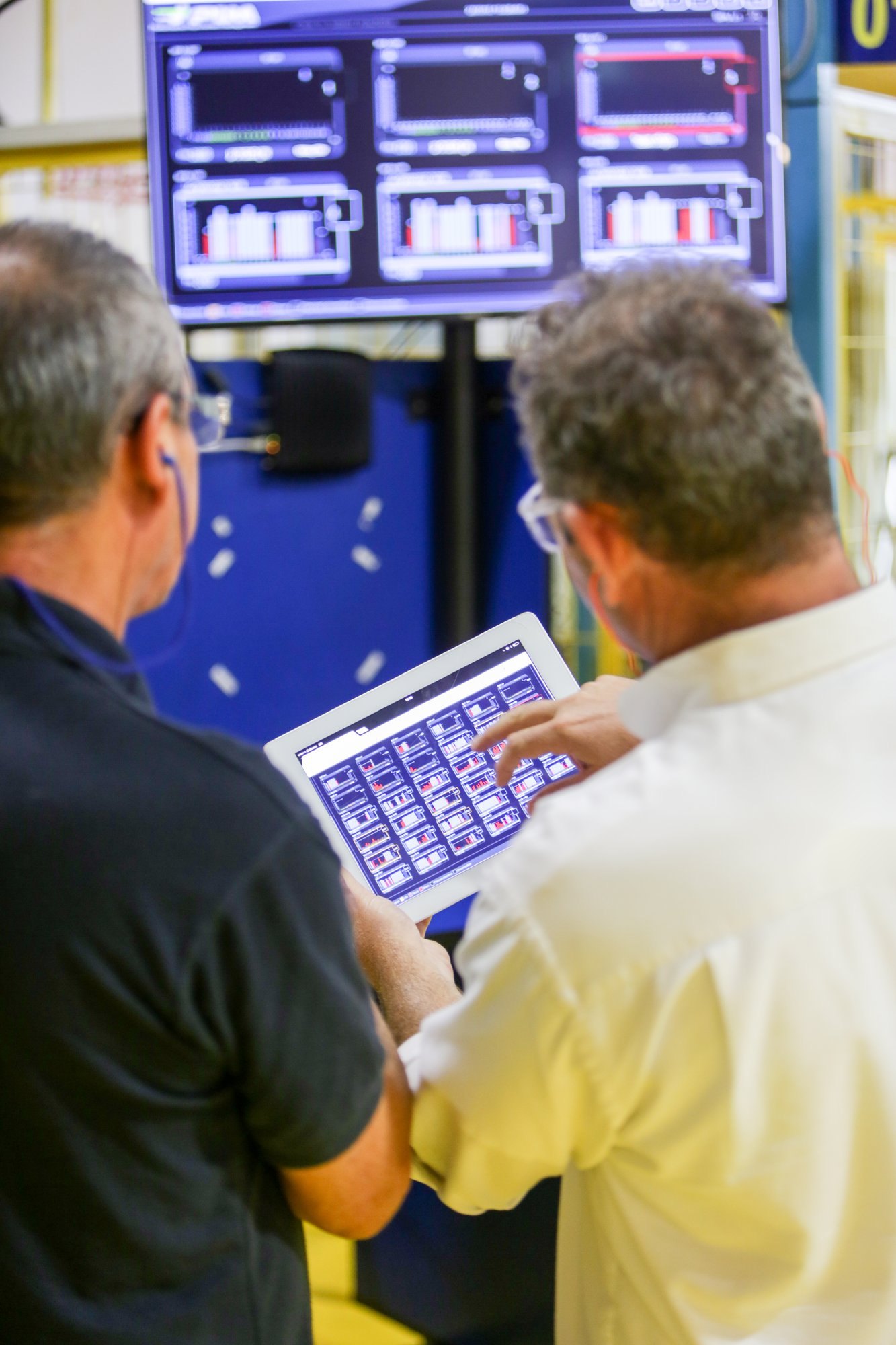
Once the count comes from the machine, the board knows how many pieces of an order have been produced, how long the machine has been stopped, and whether at the current rate the due date will be missed. Nobody typed any of that. The operator sees the current order and the next one on the floor monitor; the planner sees the same thing in the office. When the board changes, the floor changes, and when the machine runs, the board knows.
The orders come in one of two ways. Plants with an ERP connect the gateway so work orders appear on the board and completed quantities flow back. Plants that are not ready for that upload the order list they already have as a csv or xls file. In our experience the second route is the right way to start: the plant learns the board in a week instead of waiting for an integration. The Scheduling & Dispatching product is built around exactly these two ways in, and one way in for reality.
The first two weeks on the board
Start small on purpose. One planner dispatches, one cell or one line is connected, and the board runs next to the whiteboard for the first few days. The plants we connect usually find that the two disagree more often than anyone expected, and the disagreement is almost always about progress, not about the plan.
Expect three things. First, the standard cycle times in the spreadsheet will be challenged by the measured ones; some parts run faster than the standard, more run slower, and the board shows which. Second, delayed and overlapping orders will light up while there is still time to re-sequence, which feels uncomfortable the first week and normal the second. Third, the operators will start trusting the floor monitor before the office does, because it tells them what is next without waiting for someone to walk over.
Resist adding every machine on day one. Add the next cell when the first one has run a full week with the board as the single source of truth and the whiteboard has stayed blank without anyone complaining.
What the morning report has to answer
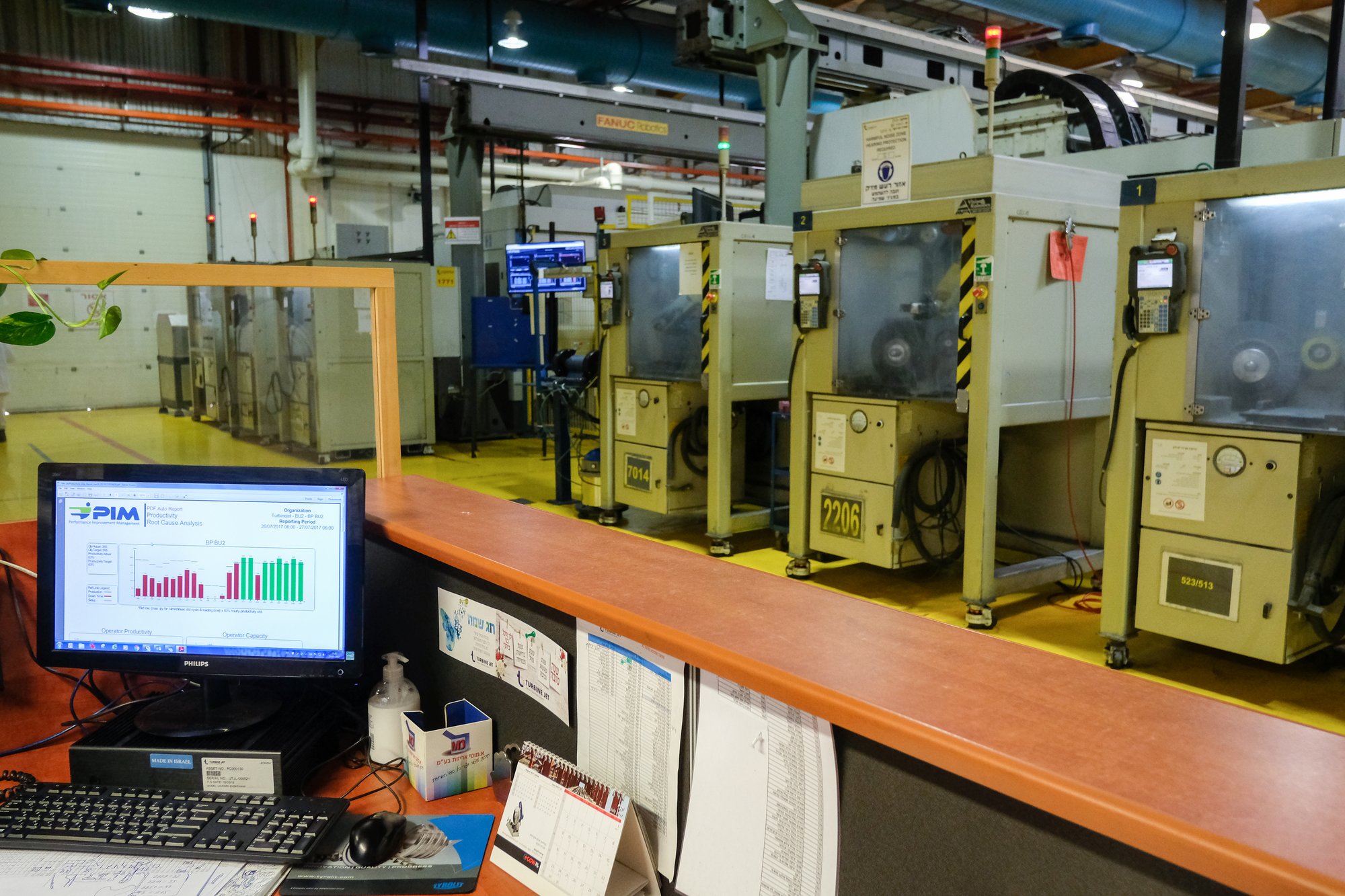
A live board changes the morning meeting more than any other part of the plant. The report that arrives before the meeting should answer four questions with numbers, not with memory: what was planned and what was made per machine; quantity against target per hour, so the slow hours are visible; the cycle-time Pareto per part; and where the stopped hours went, by reason code. When these four are on one page, the meeting stops being a debate about what happened and becomes a short conversation about what to fix first.
For a component manufacturer supplying an automotive OEM the same numbers the customer asks for at the quarterly review are now produced every day, from the machine, and the plant walks into that review with data instead of explanations.
What we learned
The whiteboard was never the problem; the estimates on it were. The plants that retire it successfully agree on the order fields, the machines, the shift calendar and the status words before they start, take progress from the machine’s own signals rather than from a person, begin with a file upload rather than an integration, and add machines only after the first cell has earned the floor’s trust. The result is one plan that the office and the floor both believe, and a morning meeting that ends early.
If you would like to see this week’s order list on a live board, bring it to a demo and we will put it on the board with you, connect one machine, and let the first order report itself.
Questions people ask
Do we need an ERP integration to start a digital scheduling board?
No. In our experience the right way to start is to export the order list the plant already has as a csv or xls file and upload it. The ERP gateway, where work orders flow in and completed quantities flow back, can be connected later, once the plant has learned the board.
How does the board know how far an order really is?
From the machine's own electrical signals: running, stopped, cycle and count. A small IoT device on those signals, installed by the plant's electrician in under an hour with no PLC connection and no change to programs, sends them to the cloud, where the Universal Adapter interprets them with the context of that specific machine.
What should be agreed before the board goes live?
The order fields (order and part number, quantity, due date, machine or machine group, standard cycle time if known), which machines carry orders, the shift calendar with planned downtime, a shared status vocabulary and one owner of the board per shift.