← Back to Products
← Back to Products  ›  CNC Programs — Upload & Download

Every CNC program. One place. Under control.

Upload and download programs to any CNC control from a structured library on your own server — valid, backup, non-valid, development. Revision tracking, role-based access and a traceability stamp on every file. The right program on the machine, every time.
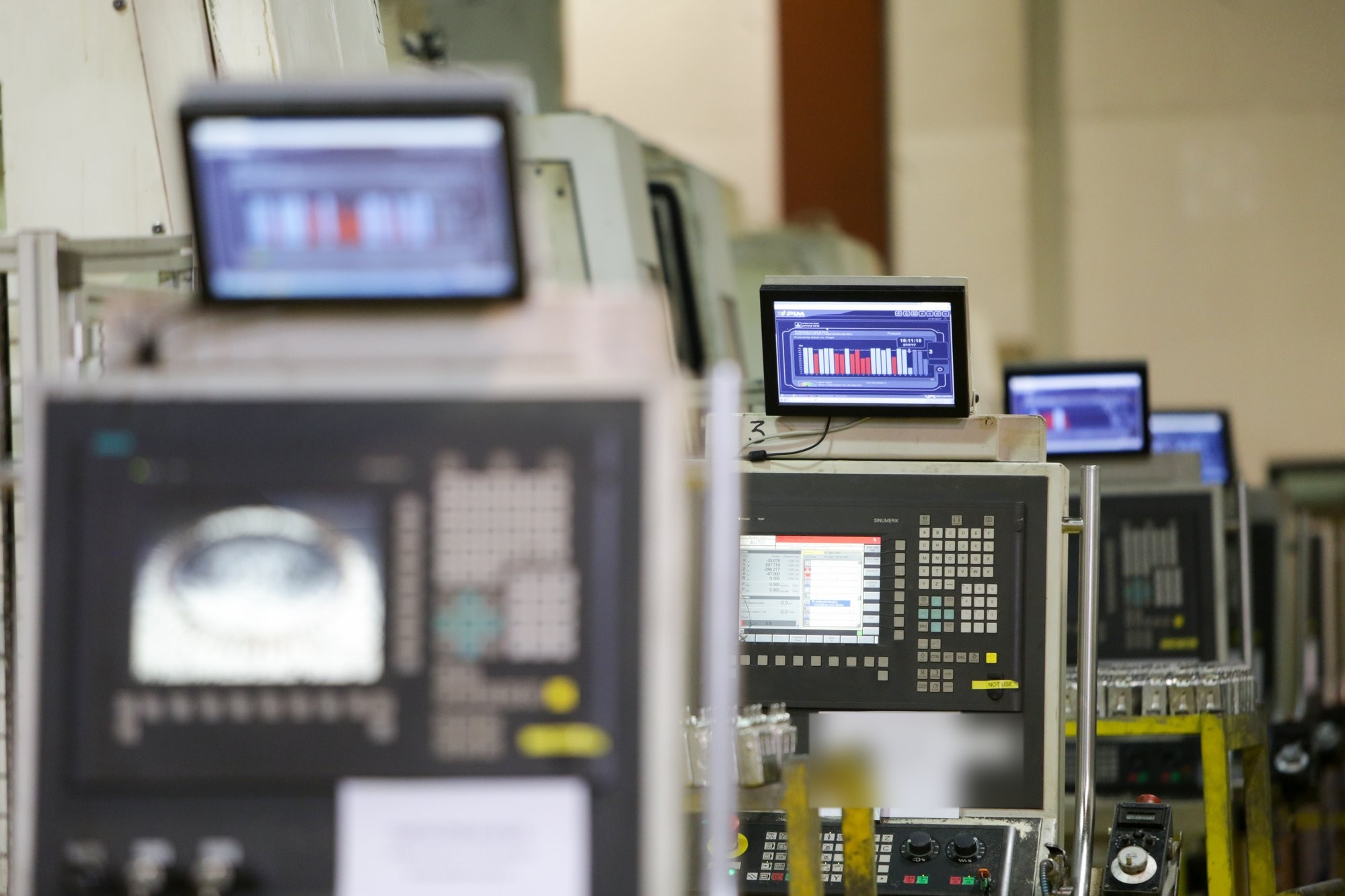

Row of CNC controls on the shop floor
4 stagesValid · Backup · Non-valid · Dev
Any controlSiemens · Fanuc · HAAS · more
Role-basedAdd · Edit · Delete · View
Rolls-RoycePratt & WhitneyGühringDinexTecvoxTrinityRailTAV Medical
The problem

Programs live on USB sticks, desktops — and in the control's memory.

Every plant has a version of it: the validated program on the engineer's PC, a corrected copy in the machine, an older one on a stick in the drawer. Nobody can say which is right until a part comes out wrong.

01

Which revision is on the machine?

The wrong program runs. Scrap, rework, a missed delivery — and a long argument about how it happened.

02

Corrections made at the machine never come back

The operator fixes the feed at 2 a.m. The fix lives in one control only. Next setup, it is gone.

03

Nobody knows who changed what, when

No audit trail, no revision history. Quality asks; engineering shrugs.

A program you cannot trace is a defect waiting to happen.
What you get

A structured library. Automatic housekeeping. Access by role.

Visual Factories brings structure, control and automation to CNC program management — program integrity, revision tracking and role-based access, while machines and folders stay clean.

CNC library · on your server
├─ 01 Valid
│   └─ Part No › Op › Controller › Machine
├─ 02 Backup · uploads from machines
├─ 03 Non-Valid · old revisions
└─ 04 Development
01 · Structured library

Four stages, created automatically on a server in your network

Every program is classified as Valid, Backup, Non-Valid or Development, and filed by part number, operation, controller and machine. One place, one structure, every plant.

;Prog_Type Main
;PN 112129249  ;Op 4048
;Controller Siemens 840D
;DWG_Rev C  ;Changes feed +8%
;DateTime 2026-09-18 07:42
02 · Smart automatic management

Every valid program carries its traceability stamp

Program type, part number, operation, controller, drawing revision, change description, date and time — written into the file automatically. Main and sub programs go to the controller folder, corrections to the machine folder, uploads to Backup, old revisions to Non-Valid.
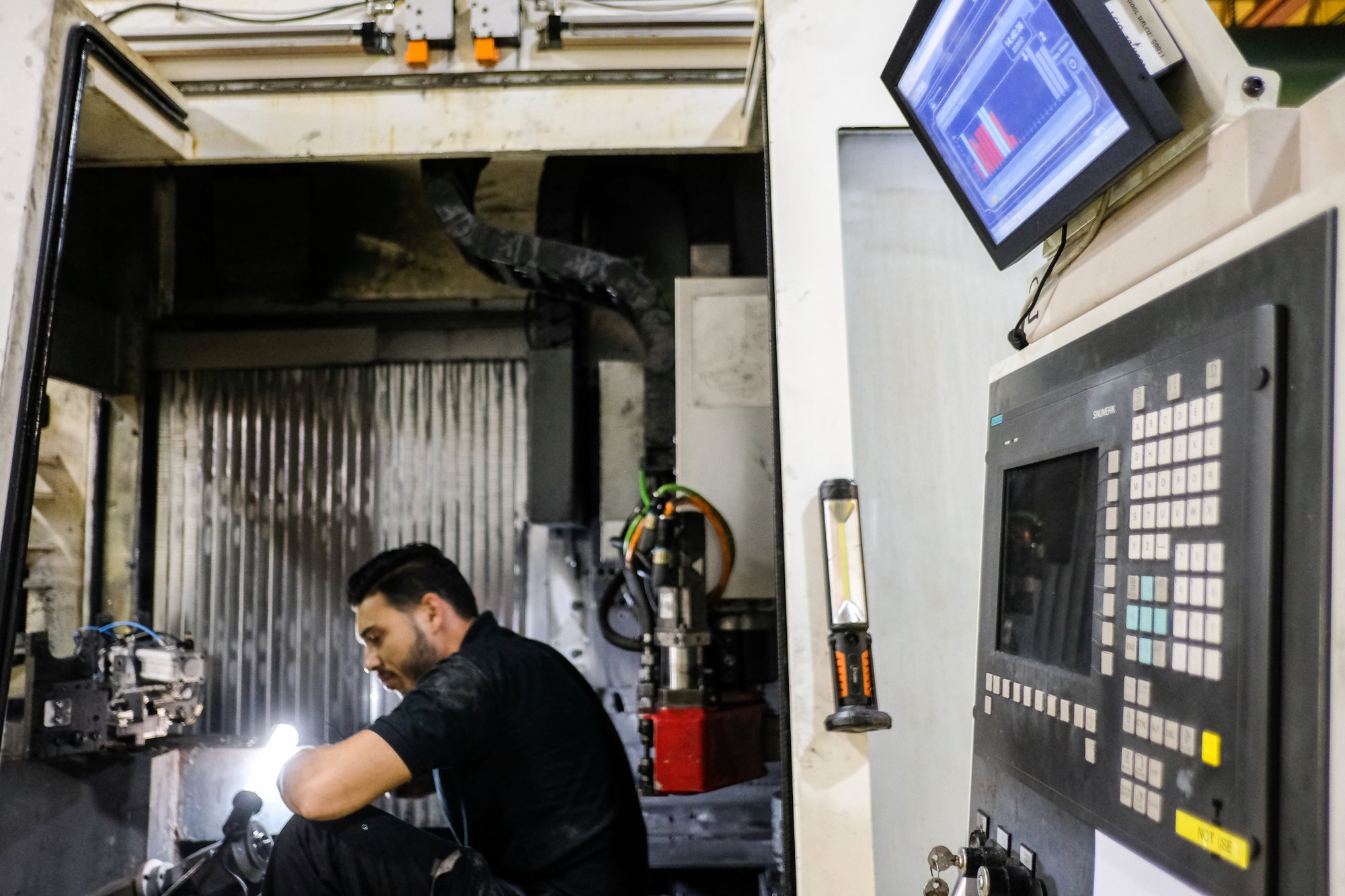
03 · Cloud access & role control

From any device. Only what each role may do.

A secure cloud interface, reachable from any internet-connected device. Permissions per role decide who may add, edit, delete, save as or only view — so the machinist downloads, the engineer releases, and quality can always look.

How it works

Release. Download. Upload. Review.

The loop between engineering and the machine — with nothing lost on the way.

01 · Release
Validated program to Valid

The engineer saves the approved program. The traceability stamp is added automatically; the old revision moves to Non-Valid.

02 · Download
The right revision to the control

The operator pulls the valid program to the machine. No sticks, no guessing which file is current.

03 · Upload
Machine edits come back

Programs edited at the control are uploaded to Backup, stamped with machine number, part, operation and time.

04 · Review
Approve or reject

Engineering compares the upload with the valid version and releases it — or leaves it in Non-Valid. Nothing is overwritten.

Same platform

One machine list. One login. Every application.

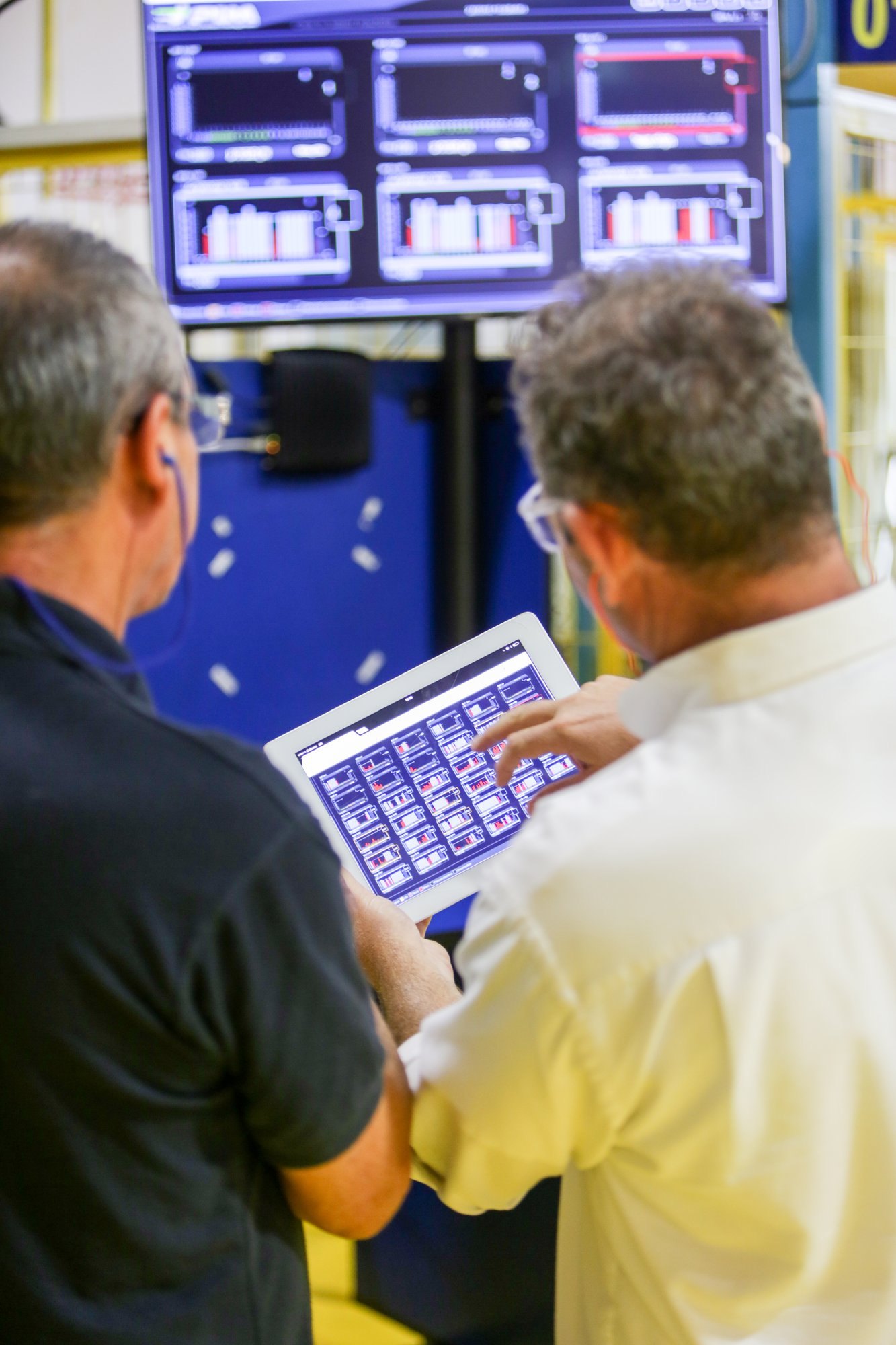
CNC Programs runs on the Visual Factories platform next to OEE improvement, scheduling and tool-life monitoring. Add it to connected machines, or start here and add visibility later.

See the OEE Improvement application →
Managers reviewing Visual Factories on a tablet
What changes

From "which file is it?" to "the valid one, stamped."

Today
  • Programs on USB sticks, desktops and in controls
  • Revision known only to whoever edited last
  • Machine-side corrections lost at the next setup
  • No record of who changed what
With Visual Factories
  • One library, four stages, on your server
  • Traceability stamp inside every valid program
  • Uploads land in Backup, reviewed before release
  • Role-based permissions and a full history
Who uses it
Process engineer
Releases with confidence

Saves once to Valid; the stamp, the archive and the history take care of themselves.

Machinist
Downloads the right program

Pulls the current revision to the control. Corrections go back up, not into a drawer.

Production manager
Fewer wrong-program stops

Setups start from the valid file. Scrap from outdated programs stops being a line in the report.

Quality
Can answer the audit

Which program, which revision, who approved it, when — on screen, not from memory.

Free download

CNC Programs — the overview

The library structure, the automatic stamping rules, cloud access and role control — on two pages, for process engineers and production managers.

PDF · 2 pages · your existing brochure (V2.2)


    Put every program under control.

    Bring one part number to the demo. We show its programs in the library, download to a control, upload a correction and review it — in 30 minutes.

    ✓ Runs on your own server✓ Any CNC control✓ Role-based access✓ ISO 27001

    ← Back to all products

    Scroll to Top

    Schedule a Free Trial

    Please fill in your details so we can get in touch and start your free trial.