← Back to Products
← Back to Products  ›  OEM Supply-Chain Visibility
Supplier KPI Automation

Every supplier.
Every KPI.
No spreadsheets.

OEE, MTBF, MTTR, finished-goods and raw-materials days on hand, read directly from each supplier's MES / ERP and delivered to you live through unified dashboards, reports, alerts and API. No hardware. No site visit. Nobody types anything.

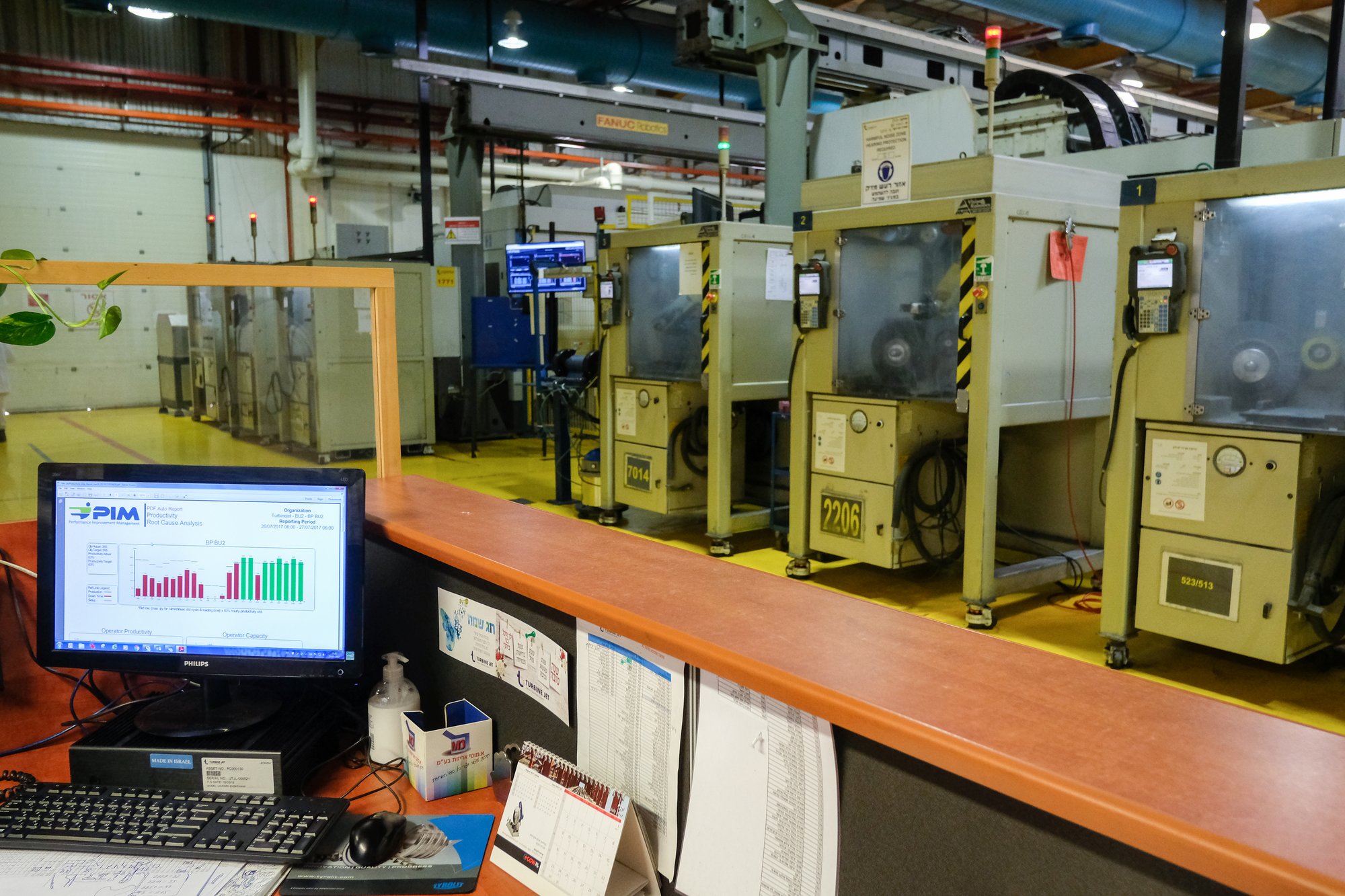
Visual Factories dashboard on an office PC with the production floor behind
Rolls-RoycePratt & WhitneyGühringDinexTecvoxTrinityRailTAV Medical
The problem

Five KPIs. Hundreds of spreadsheets.

Every supplier already reports OEE, MTBF, MTTR, finished-goods and raw-material days on hand. The data exists in their MES and ERP. Then it is re-typed into Excel and consolidated by hand. Visual Factories removes the spreadsheet: the platform reads the supplier's database directly and delivers the KPIs to you, live and unified.

Today

Each supplier pulls numbers from its MES / ERP, builds an Excel file and sends it. You consolidate hundreds of files, chase the late ones and question the odd ones. By the time a number is read, it is weeks old.

With Visual Factories

The VF Client reads the supplier's database locally. The platform generates the five KPIs with one definition for every supplier and delivers them to you through the VF Dashboard, reports, alerts and the Unified View API. Nobody types anything.

What the manual method costs

1–2 days
per supplier, per month

Extracting, reconciling and formatting the report, plus the back-and-forth when a number is challenged.

2–6 weeks
data latency

A monthly snapshot arrives after the month is over. Problems are discovered when they can no longer be prevented.

300 ways
to calculate one KPI

Every supplier computes OEE, MTBF and MTTR its own way. The numbers sit in one table but do not compare.

0
drill-down

A spreadsheet cell cannot be opened. Which end-of-line failed, how often and why stays at the supplier.

Every file
carries errors

Copy-paste, unit mix-ups, wrong periods. Each one costs an e-mail thread and erodes trust in the report.

Too late
supply risk signal

Days on hand is the early warning for a line stop at your plant. Read monthly, it warns after the fact.

The bottom line savings
3,600 to 7,200person-days a year
Across a 300-supplier program, the manual method burns 300 to 600 person-days a month on numbers that are out of date before anyone reads them.

Visual Factories removes that labor entirely and delivers the same KPIs live.

Indicative · 1 to 2 days per supplier per month
How it works

Connect. Extract. Compute. Deliver.

The supplier installs one lightweight service on its own server. Everything else happens in the Visual Factories Cloud — and lands on your screen.

/01
Connect

The supplier installs the VF Client on its own server, with read-only access to its MES / ERP database. No hardware, no site visit.

/02
Extract

The VF Client reads only the agreed views and streams them to the Visual Factories Cloud.

/03
Compute

One definition for every supplier. OEE and days on hand at site level; MTBF and MTTR per end-of-line, rolled up to the site.

/04
Deliver

You see every supplier in the VF Dashboard, get scheduled reports and alerts, and pull the same KPIs into your own systems via the Unified View API.

OEEEquipment effectivenessSite level
MTBFMean time between failuresPer end-of-line
MTTRMean time to repairPer end-of-line
FG days on handFinished-goods inventory coverSite level
RM days on handRaw-materials inventory coverSite level
Architecture, technology & security

Secured. Read-only. Supplier-installed.

Nothing from outside ever touches the supplier's database. The supplier installs the VF Client, a lightweight Windows service, on its own server; it is the only component that reads the database, through a read-only connection string the supplier creates and scopes. The VF Client talks outbound to the Visual Factories Cloud on a single port. No inbound connection, no VPN, no open port.

Security principles
  • Supplier-installed. The supplier downloads the VF Client and installs it on its own Windows server. No technician visit.
  • Read-only. The supplier creates the connection string with view-only rights. The VF Client issues SELECT queries only; it cannot write, alter or delete.
  • Scoped. Access is limited to dedicated views the supplier creates for this purpose, exposing only the fields the KPIs need.
  • Outbound-only. Encrypted connection from the VF Client to the Visual Factories Cloud on a single outbound port. No inbound port, no VPN, no remote desktop.
  • Local and revocable. The connection string lives on the supplier's server; the supplier can revoke it or stop the VF Client at any time.
Supplier IT checklist
  • A Windows 11 / Windows Server machine with network access to the MES / ERP database
  • A read-only connection string, scoped to the agreed views
  • One outbound TCP port to the Visual Factories Cloud
  • 1 to 2 hours of a database administrator to set the connection string and install the VF Client
Visual Factories supports remotely as needed
Technology

Unifying heterogeneous manufacturing floors.

Every supplier runs a different MES, a different ERP, a different schema. The Universal Adapter Engine reads any supplier's data model and generates the five KPIs the same way, every time.

  • Models and algorithms developed over 10 years in the most complex and diversified components-manufacturing environments.
  • Categorization and configuration, activity parsing, timeline and data alignment — raw records in, actual-versus-target KPIs out.
  • Rapid connectivity: MES / ERP data via the VF Client, with decades of accumulated manufacturing data behind the models.
  • One data automation layer — monitor and optimize — on top of the unified view, for you and for the supplier.
Patent · US 2015/0142154 A1
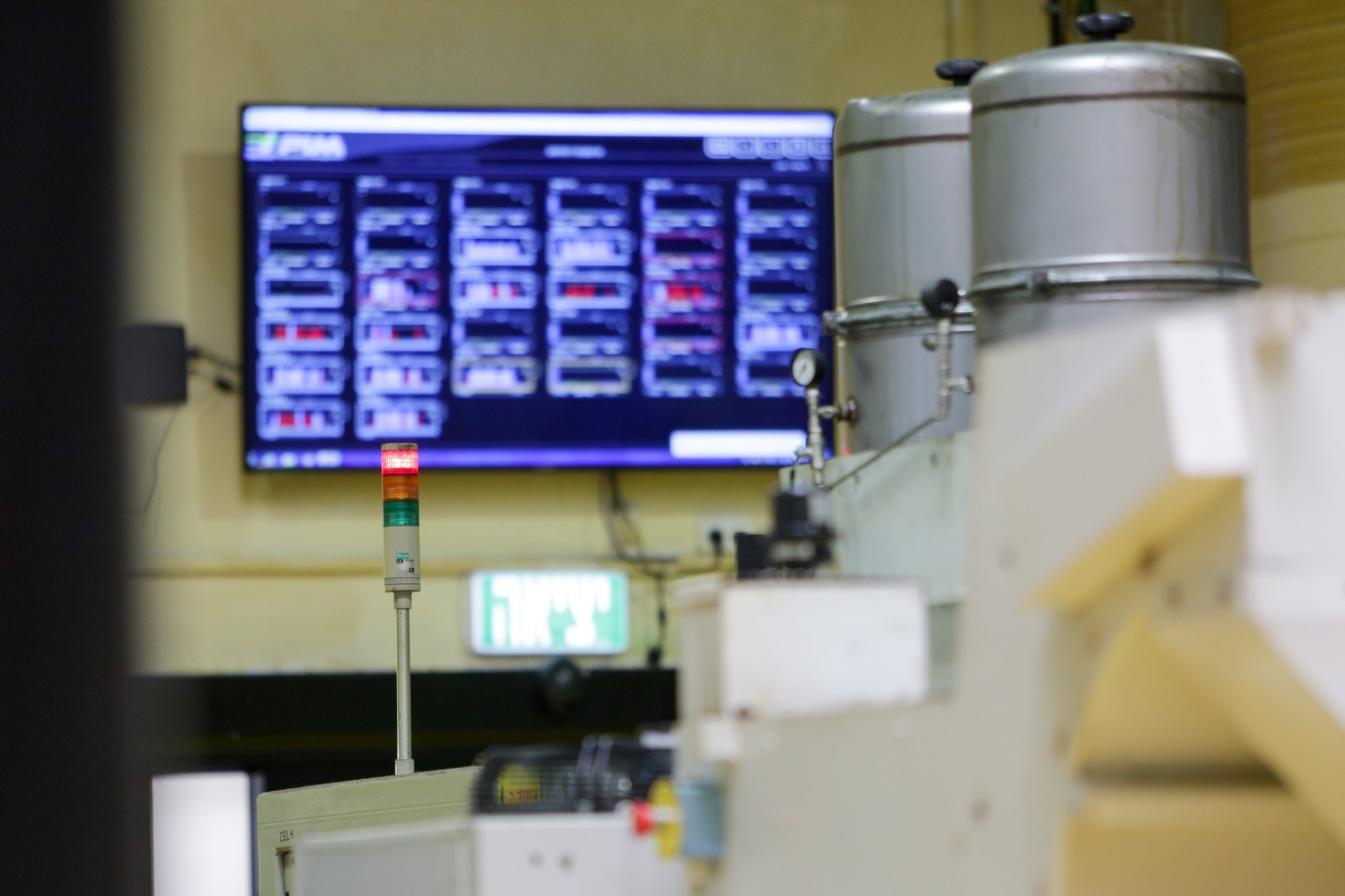
Visual Factories machine-status screen beside a CNC machine
Who does what

Three parties. One small job each.

You, the OEM

Nominate the suppliers and obtain each supplier's approval for read-only access to its MES / ERP data for your KPI reporting. Confirm the KPI definitions once, for everyone.

The supplier

Creates the read-only connection string and views, installs the VF Client on its server (1 to 2 hours) and validates the first week of KPIs against its own numbers.

Visual Factories

Verifies the cloud inputs configuration, runs the cloud, delivers the VF Dashboard, reports, alerts and API, and supports suppliers and the OEM.

Timeline per supplier site

Day 0
Approval

You nominate the site and secure the supplier's approval for read-only data access. Visual Factories sends the VF Client and the IT checklist.

Days 1–3
Connect

The supplier creates the read-only connection string and views and installs the VF Client (1 to 2 hours). Visual Factories verifies the cloud inputs configuration.

Days 4–10
Validate

One week of KPIs runs in parallel with the supplier's own report. Differences resolved, definitions frozen.

Day 10+
Live

The site appears in the VF Dashboard. Reports, alerts and API switched on. The spreadsheet is retired.

Sites are connected in parallel · a pilot wave of 10 to 20 sites is live in less than one month from supplier approvals · no development, no hardware, no site visit
What a connected site includes

Everything the KPIs need. Nothing the supplier has to build.

Every connected site
  • VF Client for the supplier's MES / ERP
  • OEE at site level
  • Finished goods and raw materials days on hand at site level
  • MTBF and MTTR per end-of-line, rolled up to the site
  • VF Dashboard, scheduled reports, alerts and the Unified View API
  • Supplier-side access to its own KPIs
  • Cloud hosting, monitoring and support for suppliers and the OEM
For the supplier

The supplier keeps control — and gets its own KPIs.

The connection string lives on the supplier's server and can be revoked at any time. The supplier sees the same five KPIs for its own site, validated against its own report in the first week.

One service, installed in an hour or two by its own database administrator. No hardware on the floor, no technician on site.

A supplier that later wants to improve the numbers it reports adds the Floor-to-Profit Method on the same connection.

The spreadsheet is retired. The number you read is the number on the supplier's floor, this hour.
Free download

The Supplier KPI Automation brief

The cost of the manual method, the four-step flow, the read-only architecture, the supplier IT checklist and the per-site timeline — written for OEM supply-chain and supplier-quality executives.

PDF · 5 pages · includes the supplier IT checklist


    Retire the spreadsheet.

    A 30-minute briefing: your supplier list, your KPI definitions, and how fast a pilot wave of 10 to 20 sites goes live.

    ✓ Secured, read-only✓ Supplier-installed✓ No hardware, no site visit✓ ISO 27001

    ← Back to all products

    Scroll to Top

    Schedule a Free Trial

    Please fill in your details so we can get in touch and start your free trial.