A cutting tool's standard life is usually a number set once, from a data sheet or a habit, and never tested. To trust it: give every tool one identity (catalogue number plus tool ID), count parts from the machine's own signals instead of estimating them, set a limit and an alert threshold that leaves a planned stop ahead, and record the change once, at the machine or as an event from your tool software. The first month usually shows the same tool living differently on two machines; correct the limit per tool and machine, then review it every month.
Where the tool-life number usually comes from
Every CNC shop has a standard life for its cutting tools. It is on the tool card, in the presetter software, or in the setter’s head. When we ask where the number came from, the honest answer in most of the plants we connect is “it has always been that”. Sometimes it is the supplier’s data sheet, written for a test block in a laboratory. Sometimes it is the number from the first production run, years ago. Sometimes it is simply the point at which an experienced operator stopped liking the sound.
None of these is a bad starting point. The problem is that none of them has been checked against a count since it was set, and that the same catalogue number often carries three different lives in the same plant, depending on who you ask. A limit nobody has tested is a guess with a decimal point.
Two ways to be wrong, and most shops live with both
A wrong tool-life number fails in two directions at once. Too late means the edge is already dull when it comes out: parts that drifted out of tolerance at the end of the batch, rework, scrap, and sometimes a damaged spindle. Too early means good edges in the bin because changing felt safer than running on, and nobody could say how much life was left.
Both happen for the same reason: the count that would settle the question does not exist, so the change is made when someone remembers, when the batch ends, or when the machine stops anyway. The purpose of a limit you can trust is not the number itself. It is that the change becomes a planned stop, prepared in advance, instead of the three o’clock in the morning surprise that production managers know too well.
What to agree before you set a single limit
In our experience the plants that get a reliable tool life agree five things before they touch any software. None of them is technical.
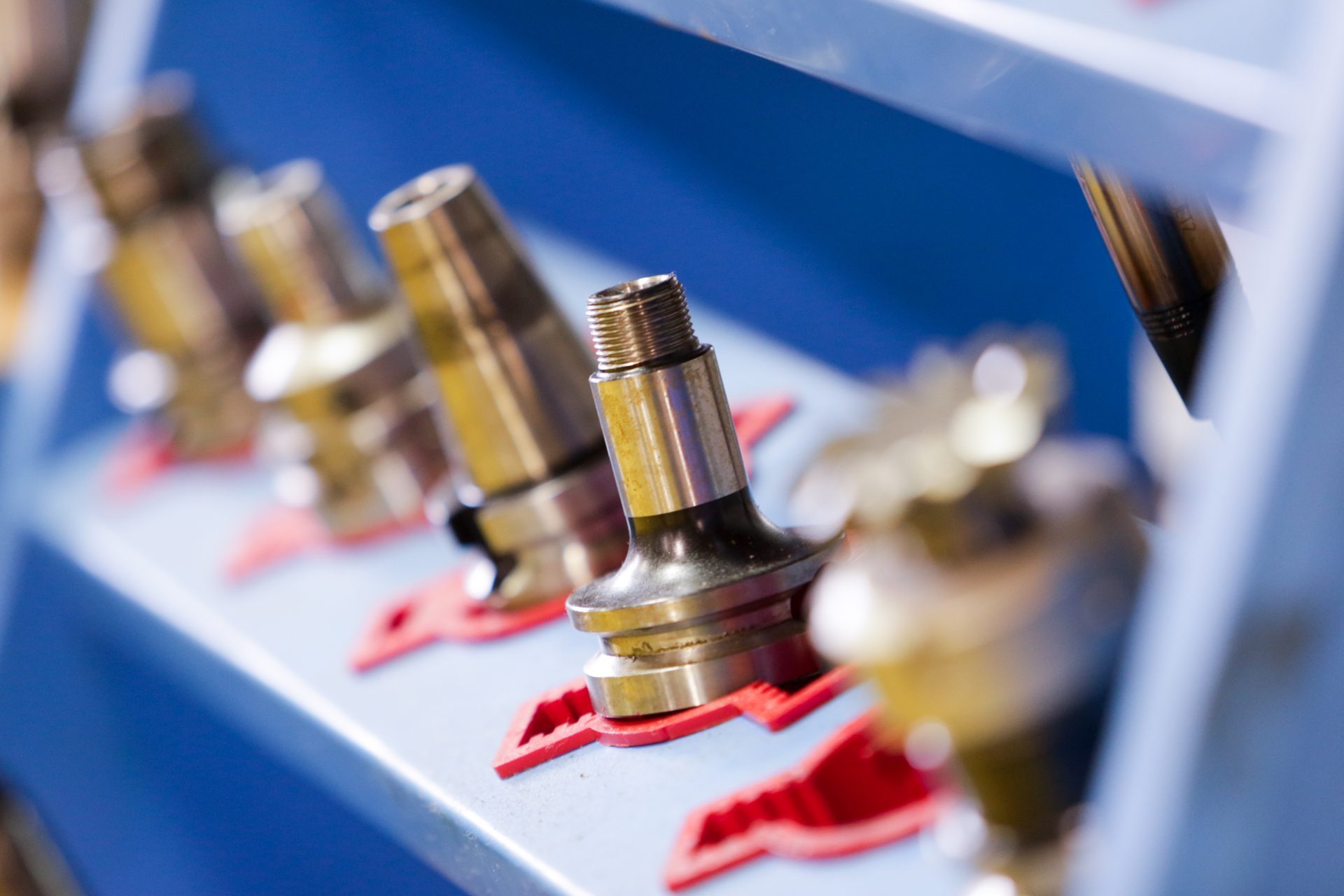
- One identity per tool. Not “the 12 mm end mill” but the catalogue number and the tool ID of the physical tool in the spindle. Two tools of the same catalogue number can be at very different points of their life; the only way to know is to follow each one by its ID.
- One unit of count, and one source. Parts, counted by the machine. Not minutes of cut estimated from the program, not pieces read from the schedule. A count that goes through a form gets rounded, and a rounded count makes every limit look right.
- The tool set per part number. Each part number carries its set of tools, catalogue numbers and IDs, from the ERP gateway or from an Excel or CSV export of the warehouse stock. When the part number is registered on a machine, the setter selects the IDs he is mounting.
- A starting limit and an alert threshold. Start with the number you have, even the one from the data sheet. The alert is the important setting: it has to arrive while there is still a planned stop ahead, so pick the threshold from how long a batch section takes on that machine, not from a percentage that looks tidy.
- Who changes, who records, and what “over life” means. The operator or the setter logs the change at the machine in a few seconds, or it arrives as an event from your tool-management or presetter software; either way it is recorded once. And quality should say, before the first month, what happens to the parts made after a tool crossed its limit.
How the count happens without a form
The machine already counts. Every CNC machine, whatever its age or control, produces the same electrical signals: running, stopped, cycle, count. A small IoT device on those signals captures them; an electrician installs it in under an hour, there is no PLC connection and no change to any program, and the plant’s own people can do it. The signals are the same on every machine. What differs is the machine, the process, the product and the operating environment, even for two machining centres standing side by side. The Universal Adapter, in the cloud, interprets those same signals with the context of that specific machine.
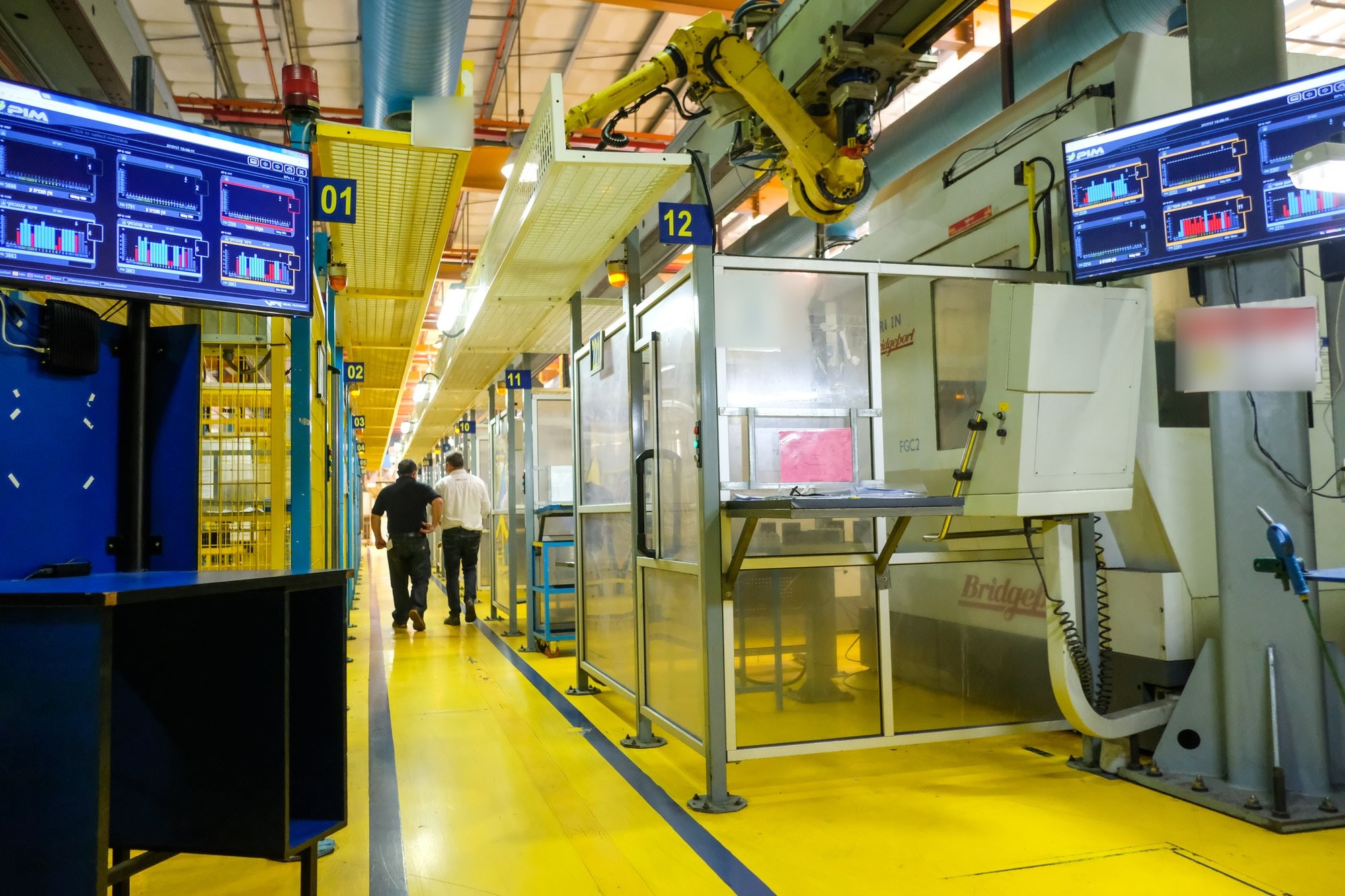
From there the loop is short. Each cycle the machine reports is added to the tool in the spindle, and its life moves in real time on the floor monitor next to the machine. When a tool approaches its limit, the alert reaches the floor screen and the phone of whoever prepares the change. The change is logged, the new tool starts at zero, and the daily report the next morning lists every change, early and late, by tool. This is what the Cutting Tool Life product does, on the same machine connection that produces the plant’s OEE.
What the first month usually shows
The first weeks with a real count are rarely comfortable, and they are always useful. In the plants we connect, the same catalogue number running the same part on two machines usually does not reach the same life. The fixture is different, the coolant is older on one, one spindle has more hours, one operator feeds more carefully. None of this was visible on a card that did not know which machine it was on.
Early changes tend to cluster: on one shift, with one setter, or on tools whose alert came in the middle of a batch when nobody wanted to stop, so the next time the tool was changed well before the limit. A few tools go over life repeatedly, for the opposite reason. And the limit on the card turns out to have been conservative for some tools and optimistic for others, which is what you would expect from a number that was never tested.
The correction is done per tool and per application, and per machine where the difference is large: raise the limit where the count says the edge was still good, lower it where quality found the drift, and move the alert threshold so that the change lands at a stop the schedule already had. Then look again in a month. A tool life is not set once; it is revised with the count, the same way a cycle time is.
What we learned
A tool-life limit is a hypothesis until a count tests it. Give every tool one identity, let the machine do the counting, put the alert where a planned stop is still ahead, and record the change once. The daily report then turns the tool-change conversation from opinion into something a production manager, a setter and a quality engineer can read together. Once the count exists, the cost per part by tool and by supplier follows with no extra effort.
If you want to see this on your own machines, start with one machine and its tools; we connect it, count for two weeks, and hand you the first tool-life table. Tell us how many machines are in your plant and we take it from there.
Questions people ask
Where should the first tool-life limit come from?
Start with the number you already have, from the supplier's data sheet or the tool card. It is a hypothesis, not a fact: the machine's own count will show within weeks whether it was conservative or optimistic, and you correct it per tool and per machine from there.
How are the parts counted per tool without the operator typing them?
From the machine's own electrical signals: running, stopped, cycle, count. A small IoT device captures them; an electrician installs it in under an hour, with no PLC connection and no change to any program. Every cycle is added to the tool currently in the spindle, identified by its tool ID.
Why does the same tool last differently on two identical machines?
Because the signals are the same but the machine, the process, the product and the operating environment are not: the fixture, the age of the coolant, the hours on the spindle and the operator's habits all differ, even between two machining centres standing side by side. That is why limits are corrected per tool and, where the difference is large, per machine.