CNC programs end up in three places: the engineer's PC, the control and a USB stick, and the copies differ. The plants that keep programs under control give every program one status (Valid, Backup, Non-valid, Development), let the machinist pull only from Valid, and make the upload of a correction made at the machine the easiest action in the loop. A traceability stamp inside each valid program answers quality's questions from the file. Wrong-program stops then stop hiding inside setup time.
Start with one part number, not with the whole library
In our experience, the fastest way to see how a plant really manages its CNC programs is to pick one part number and ask three people where its current program is. The process engineer points to a folder on a PC. The machinist points to the control. The night-shift setter mentions a USB stick. All three are telling the truth, and all three files are different.
This is not carelessness. Programs get corrected at the machine because that is where the problem shows up: chatter on the finishing pass, a tool that needs a slower feed, an offset that drifts. The correction works, the shift ends, and the fix lives in one control only. The next time that part is set up on another machine, or after a control is reset, the old program comes back and the same problem comes back with it.
So before anyone talks about software, we recommend doing this exercise on paper for two or three parts that cause trouble. Write down every place a copy exists and which one quality would accept in an audit. The list is usually longer than expected, and it makes the rest of this guide concrete.
Four places a program can live, and only one of them is right
The plants that keep their programs under control all do a version of the same thing: they give each program exactly one status, and they make that status visible in where the file sits. We use four stages.
- Valid. The approved program for a part number, operation, controller and machine. This is the only copy a machine should run from.
- Backup. Anything that comes up from a machine. A program edited at the control lands here, stamped with the machine, the part, the operation and the time.
- Non-valid. Old revisions. They are not deleted, because sometimes the old revision explains a part that came out wrong six months ago, but they cannot be downloaded to a machine.
- Development. Programs an engineer is still working on. Nobody runs production from here.
The point is not the names. The point is that a machinist standing at the control can only pull from Valid, and an engineer can only release to Valid. Everything else is housekeeping that happens automatically. In the CNC Programs product, the library sits on a server in the plant’s own network, the four stages are created automatically, and every file is filed by part number, operation, controller and machine, so the structure is the same on every machine and in every plant.
Make the correction at the machine come back
Most program systems fail at this step, and it is the step that matters most. If the correction made at two in the morning never comes back, the Valid program slowly becomes the wrong one, and people learn to distrust it.
The loop that works has four moves, and it has to be easy enough that the machinist does it without thinking about it. Release: the engineer saves the approved program to Valid, and the old revision moves to Non-valid by itself. Download: the operator pulls the Valid program to the control. Upload: a program edited at the control goes up to Backup, stamped. Review: engineering compares the upload with the Valid version and either releases it or leaves it where it is. Nothing is overwritten, so nothing is lost, and nobody has to remember to do anything except press upload.
A traceability stamp inside the file does the rest. Program type, part number, operation, controller, drawing revision, a one-line description of the change, date and time, all written into the header automatically when the program is released. When quality asks which program made a batch, the answer is in the file, not in someone’s memory.
Decide who may do what, then let the system enforce it
Role-based access sounds like an IT topic. On the floor it is a very practical one. The machinist should be able to download and upload, and nothing else. The process engineer releases. Quality should always be able to look but never to change. Write these roles down with the people involved before anything is configured; the discussion itself usually surfaces two or three unwritten habits that need to stop.
Once the roles are in the system, a lot of friction disappears. Nobody needs to ask who copied what onto which stick. The cloud interface is reachable from any device, so the engineer can release a program from the office and the machinist sees it at the control a minute later.
What this has to do with your OEE
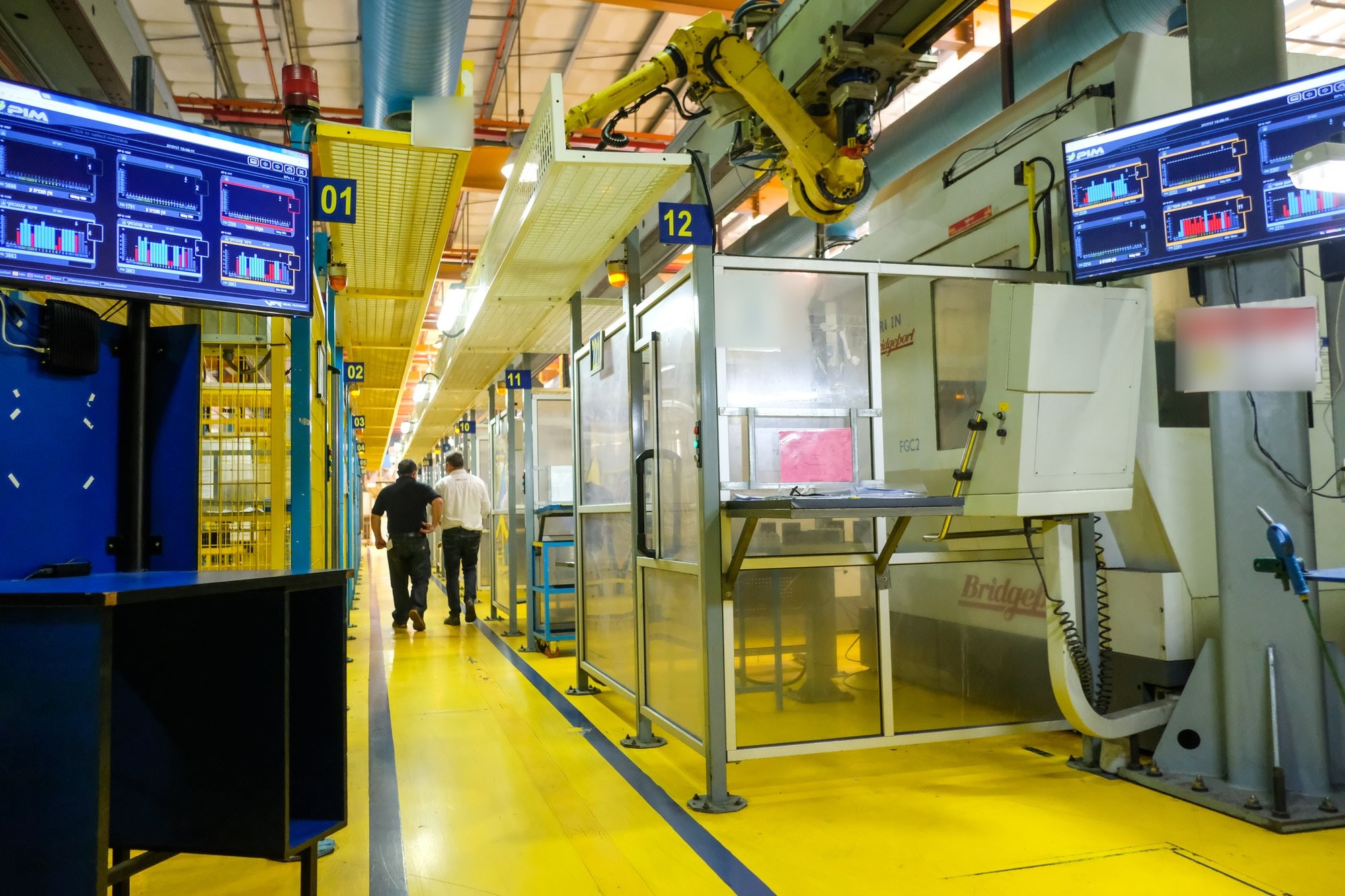
Wrong-program stops hide inside downtime. A setup that starts from an outdated file, a first part scrapped because a feed correction was lost, a half-hour argument about which revision is current: all of these show up in the OEE report as setup time or unexplained stops, if they show up at all. In the plants we connect, program control and machine visibility usually end up on the same screen for exactly this reason.
The two sides come from different places. The program library lives on the plant’s own server and talks to the controls. Machine status comes from a small IoT device on the machine’s electrical signals; an electrician installs it in under an hour, with no PLC connection and no change to any program, and the plant’s own people can do it. The signals are the same on every machine: running, stopped, cycle, count. What differs is the machine, the process, the product and the operating environment, even for two machining centres standing side by side, and the Universal Adapter in the cloud interprets those same signals with the context of that specific machine. The setup that started from the wrong program becomes a stop you can see and name.
What we learned
Program control is not a software problem first. It is an agreement about where the right file lives and who may touch it, and the software exists to make that agreement hold at two in the morning. Start with one troublesome part number, count the copies, agree the four stages and the roles, and make the upload from the machine the easiest action in the whole loop. Then the Valid program becomes something people trust, and the stops that came from not trusting it quietly disappear from the report. If you would like to walk through this with your own part numbers and controls, talk to us.
Questions people ask
Where should the current CNC program for a part be kept?
In one Valid location per part number, operation, controller and machine, on a server in the plant's own network. Machines download from Valid only; everything else is Backup, Non-valid or Development.
What happens to a program that an operator corrects at the machine?
It is uploaded to Backup, stamped with machine, part, operation and time. Engineering compares it with the Valid version and either releases it or leaves it in Non-valid. Nothing is overwritten and nothing is lost.
Does CNC program control need a PLC connection?
No. The program library talks to the controls from a server in the plant's network. Machine status, when a plant adds it, comes from a small IoT device on the machine's electrical signals, installed by an electrician in under an hour with no change to any program.