One approved CNC program often runs at three different cycle times on three machines of the same model. The file is identical; the override knob, a correction kept in one control, the machine's age and the tool's condition are not. A small IoT device on the machine's electrical signals measures the real cycle and count per program and per machine, so engineering reviews each program upload with the numbers it produced and planning gets a measured cycle time per machine instead of the quoted one.
The same file, a different rate on every machine
The approved program is a file; the cycle time is a result. In our experience, a plant that has put its CNC programs under control, one Valid revision per part number and operation, usually assumes the hard part is done. Then someone compares the output of three machining centres running the same part from the same program and finds three different rates. Nobody changed the file. The parts still pass inspection. The difference is in what happened around the program: the machine, the fixture, the tools in the magazine and the hand on the override knob.
The cycle time that planning works with usually comes from the CAM simulation or from the quote, and it was timed once, on one machine, on a good day. The plants we connect rarely have a measured cycle time per machine for the same program, so the planner uses one number for all three, and the daily shortfall on the slowest machine is explained as “that machine is slow” rather than as a program that behaves differently there.
Where the differences come from
When we sit with a process engineer and look at the same program on neighbouring machines, the causes tend to fall into a few groups.
- The override knob. A program chatters on one machine, the operator turns the feed override down, the chatter stops and the knob never goes back. The file is identical; the cycle is longer.
- The correction at the control. A slower feed on the finishing pass, a dwell added before a probe, an extra tool change to a fresh insert. It solves a real problem on that machine and quietly lives only there.
- The machine itself. Spindle hours, rigidity, the condition of the way covers and the coolant, a fixture that clamps differently. Two machining centres of the same model, bought in the same year, are not the same machine.
- The tools. The program assumes a tool in a known condition. One magazine holds a cutter at the end of its life and the operator compensates by hand, or stops to change it.
None of these show up in the program library. The library knows which revision is on the machine; it does not know what the machine did with it. That is the gap the machine’s own count closes.
Measure the cycle from the machine, not from the CAM
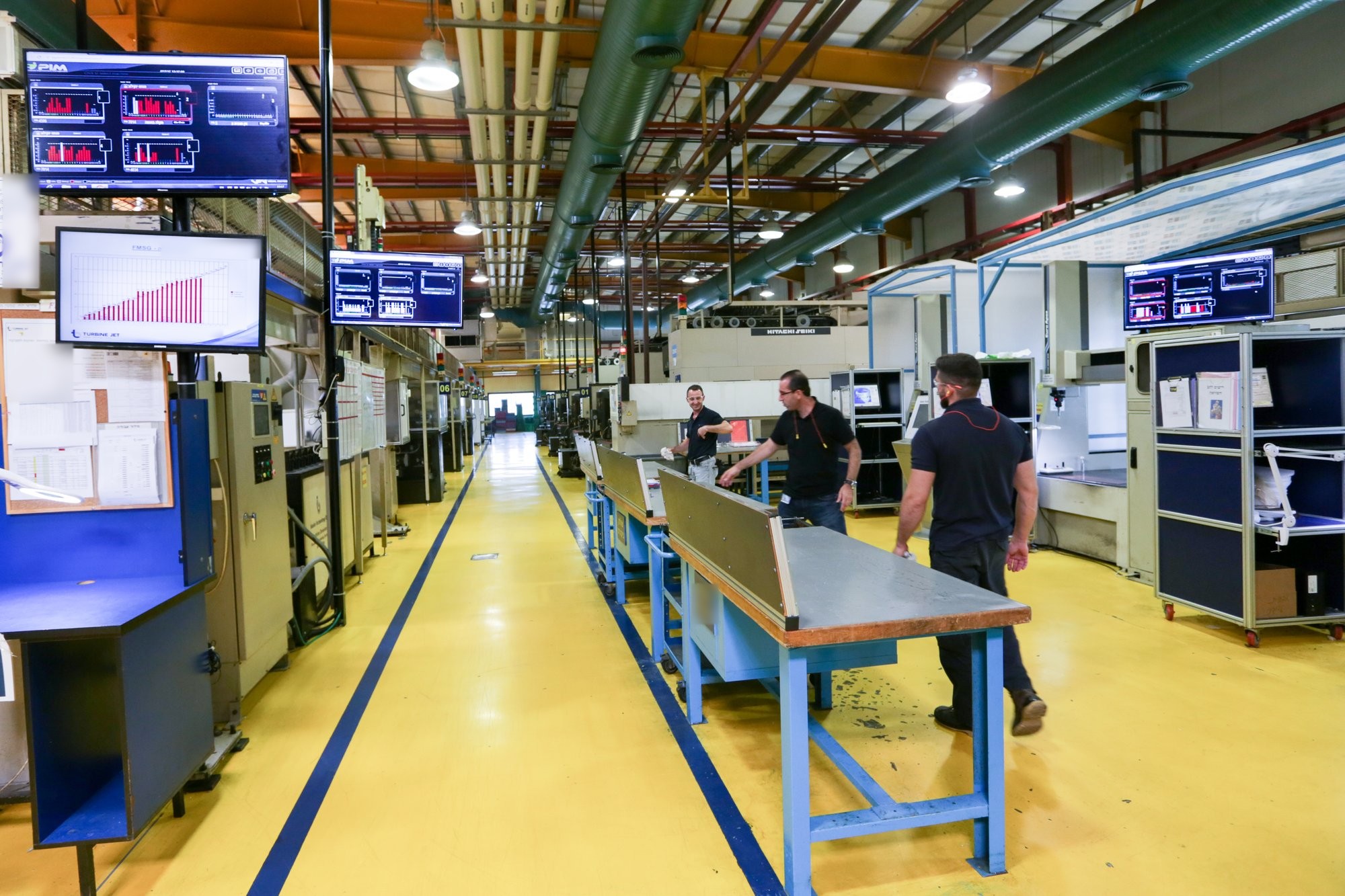
The measurement itself is simple. A small IoT device on the machine’s electrical signals reports when the machine is running, stopped, cycling and counting. An electrician installs it in under an hour; there is no PLC connection and no change to any program, and the plant’s own people can do it. The signals are the same on every machine: running, stopped, cycle, count. What differs is the machine, the process, the product and the operating environment, even for two machining centres standing side by side. The Universal Adapter in the cloud interprets those same signals with the context of that specific machine, so a cycle on a five-axis centre and a cycle on an old lathe both become parts per hour for the part number that was running.
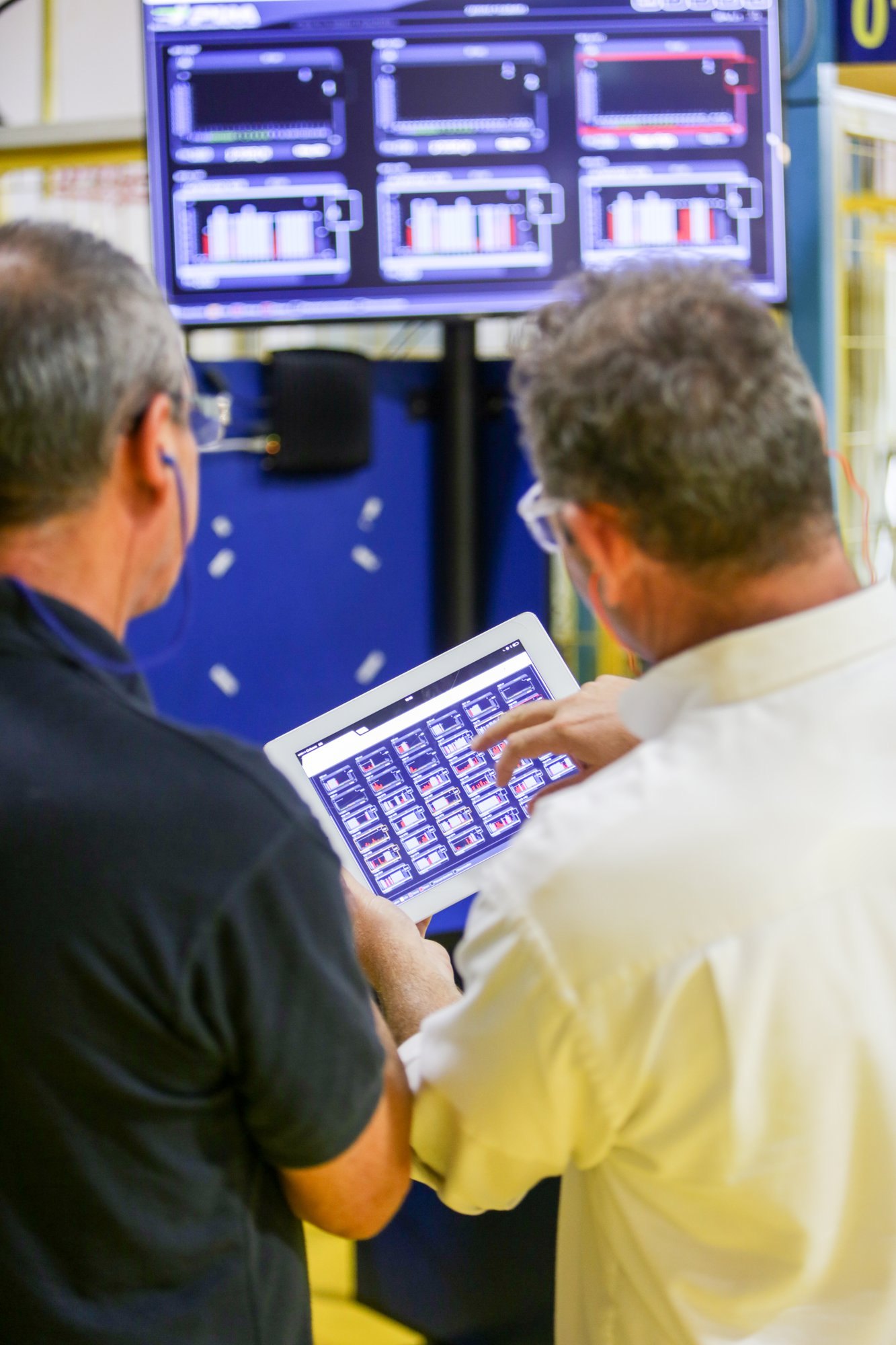
From that point on, every program release has a measured consequence. The cycle time per part number per machine stops being one number from the quote and becomes something the plant can see: the typical cycle, the spread between shifts, the short stops between cycles. When the same Valid program runs on three machines, the three cycle times sit next to each other on one report, and the question changes from “why is machine three slow” to “what does machine three do differently with this program”.
Review a program upload with the numbers it produced
In the CNC Program Management product, a program edited at the control goes up to a Backup stage, stamped with the machine, the part, the operation and the time, and engineering reviews it against the Valid version before anything is released. The review is where the machine’s count earns its place. Next to the two files, the engineer can now see what the machine did while it was running the edited version: the cycle time, the parts per hour, the stops, compared with the hours it ran the Valid program.
That changes the conversation at the review. An edit that made the cycle shorter without adding stops is a candidate for release to all machines running that part. An edit that made the cycle longer but ended a run of micro-stops on one machine is probably the honest program for that machine, and the planner should get its cycle time rather than the quoted one. In our experience, this is also the moment when the turned-down override comes to light, because the cycle is longer and no edit explains it.
The release itself becomes a mark on the machine’s timeline. If a new revision goes to Valid on Tuesday and the stops on that machine rise from Tuesday afternoon, the connection is visible the same week rather than at the month-end OEE review, when nobody remembers what changed. The plants we connect usually find that some releases are followed by exactly this pattern, often a tool that wears early under the new feeds, and with the release marked on the timeline they find it fast.
What planning gets out of it
The planner is the quiet beneficiary. A measured cycle time per program and per machine means the dispatch board can expect the right output from each machine instead of the quoted output from all of them, and a job that is behind is behind for a reason that can be named. The program library keeps the file right; the machine’s count keeps the number next to it right.
What we learned
Program control answers “which revision is on the machine”. It does not answer “what did the machine do with it”, and the second question is where the cycle time, the scrap and the shortfall on one machine actually live. Measuring the cycle from the machine’s own signals, per program and per machine, turns every release and every correction at the control into something the plant can see and judge the same week.
Start with one part number that runs on more than one machine. Put the measured cycle times next to each other, find the override knob and the correction that never came back, and review the next upload with the numbers it produced. If you want to see how program control and machine visibility look on one screen, tell us about your machines.
Questions people ask
Why does the same CNC program give different cycle times on identical machines?
Because the file is only part of the result. A feed override turned down on one control, a correction made at the machine that never came back for review, differences in spindle hours, fixtures and coolant, and tools at different points of their life all change the cycle without changing the program.
How can a plant measure the real cycle time per machine without touching the PLC?
A small IoT device on the machine's electrical signals reports running, stopped, cycle and count. An electrician installs it in under an hour, with no PLC connection and no change to any program. The Universal Adapter in the cloud interprets those signals with the context of each specific machine and turns them into cycle time and parts per hour per part number.
What should engineering look at when reviewing a program edited at the control?
The two files, and what the machine did while running each: cycle time, parts per hour and stops. An edit that shortened the cycle without adding stops can be released to all machines running the part; one that lengthened the cycle but ended micro-stops is probably the honest program for that machine and planning should get its cycle time.